
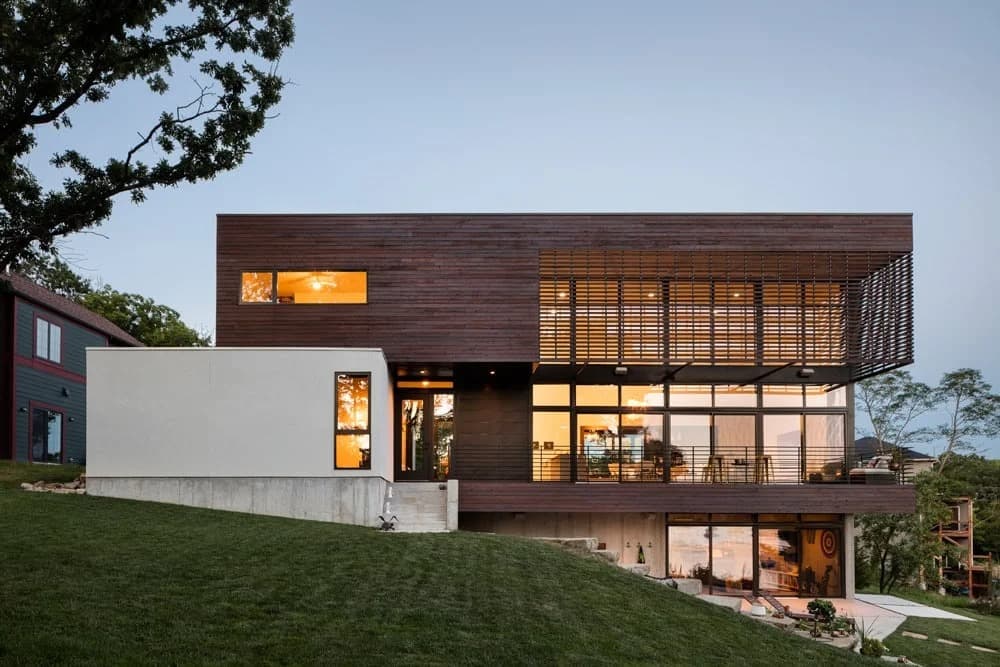
Built project · Representative
Modern Lodge
KEM STUDIO · Weatherby Lake · 2015
Projects
Students, professionals and practices can publish a project story here, with images, credits and a short brief in one place.
What to bring
Share as an individual professional or student, or as a practice representative. Keep the brief honest and short. Staff review unpublished work before it appears on Projects.
The project name as it should appear on the listing.
A brief that explains the work, not a press release.
Where the project sits, or the school if it is student work.
Strong stills that carry the story. No more, no fewer.
Who made the work, and who should be named beside it.
Example work
These two cards show the kind of listing Architecture Social publishes. Staff review unpublished work before it appears on Projects.
Built project · Representative
KEM STUDIO · Weatherby Lake · 2015
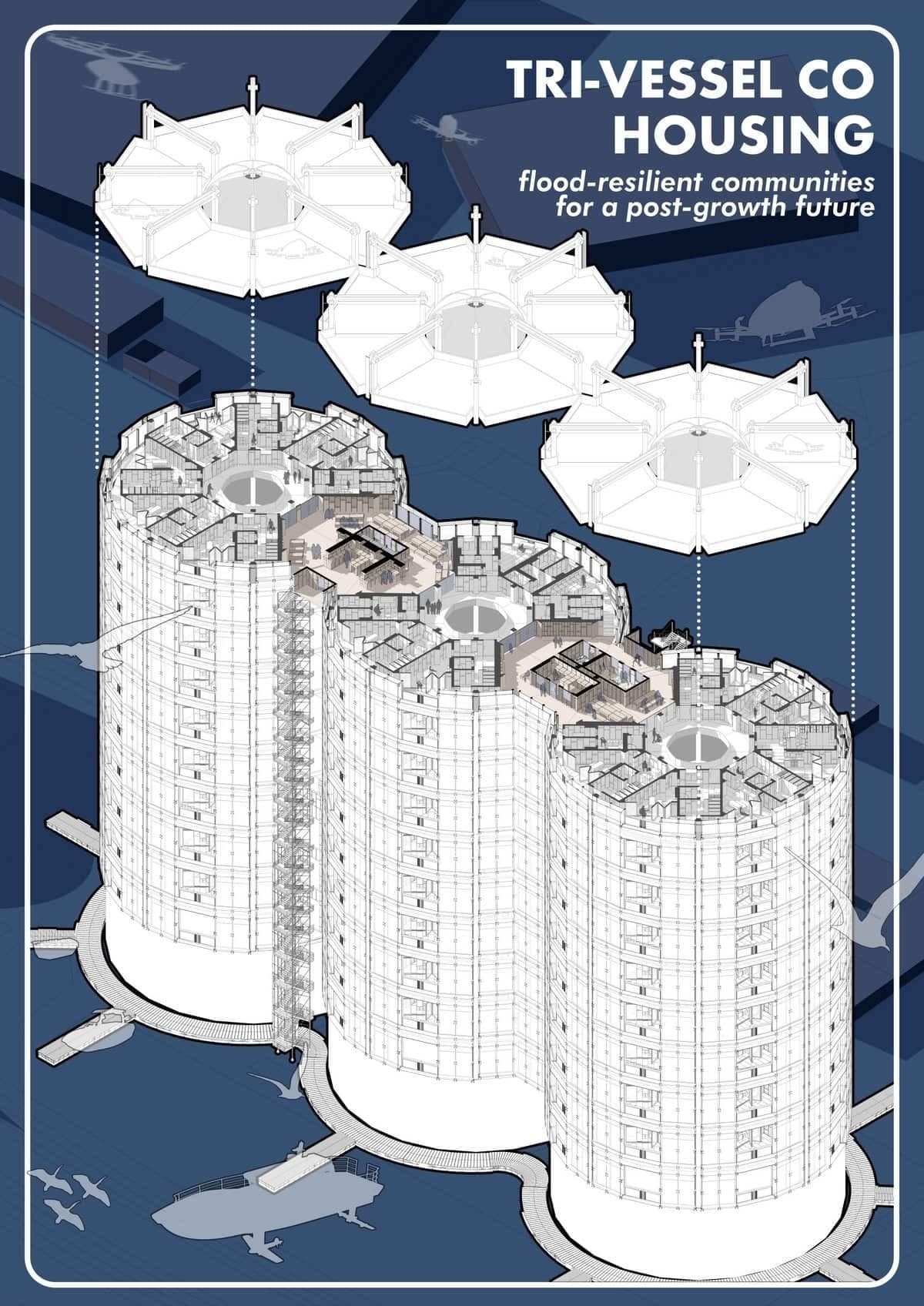
Student work · Representative
Faaris Parker · University of Nottingham
How it works
Three steps. Nothing posts itself. Featuring on Architecture Social channels is a later staff decision.
Create an account if you need one, then add the title, story, location, images and credits.
After review, Architecture Social may consider featuring the listing. It is a request, not a promise.
The project stays private until staff publish it. Social featuring is a later staff decision.
Architecture Social may feature a listing on its channels after review. It is a request, not a promise, and never automatic posting.
The listing can still go live without featuring. Staff decide both.
Ready to share
Sign in, add the story and images, then submit for review. Featuring stays optional.