
Resource guide
Architectural Visualiser Career Guide
Learn what an Architectural Visualiser does, which skills matter, what to show in your portfolio and how to move into visualisation.
On this page
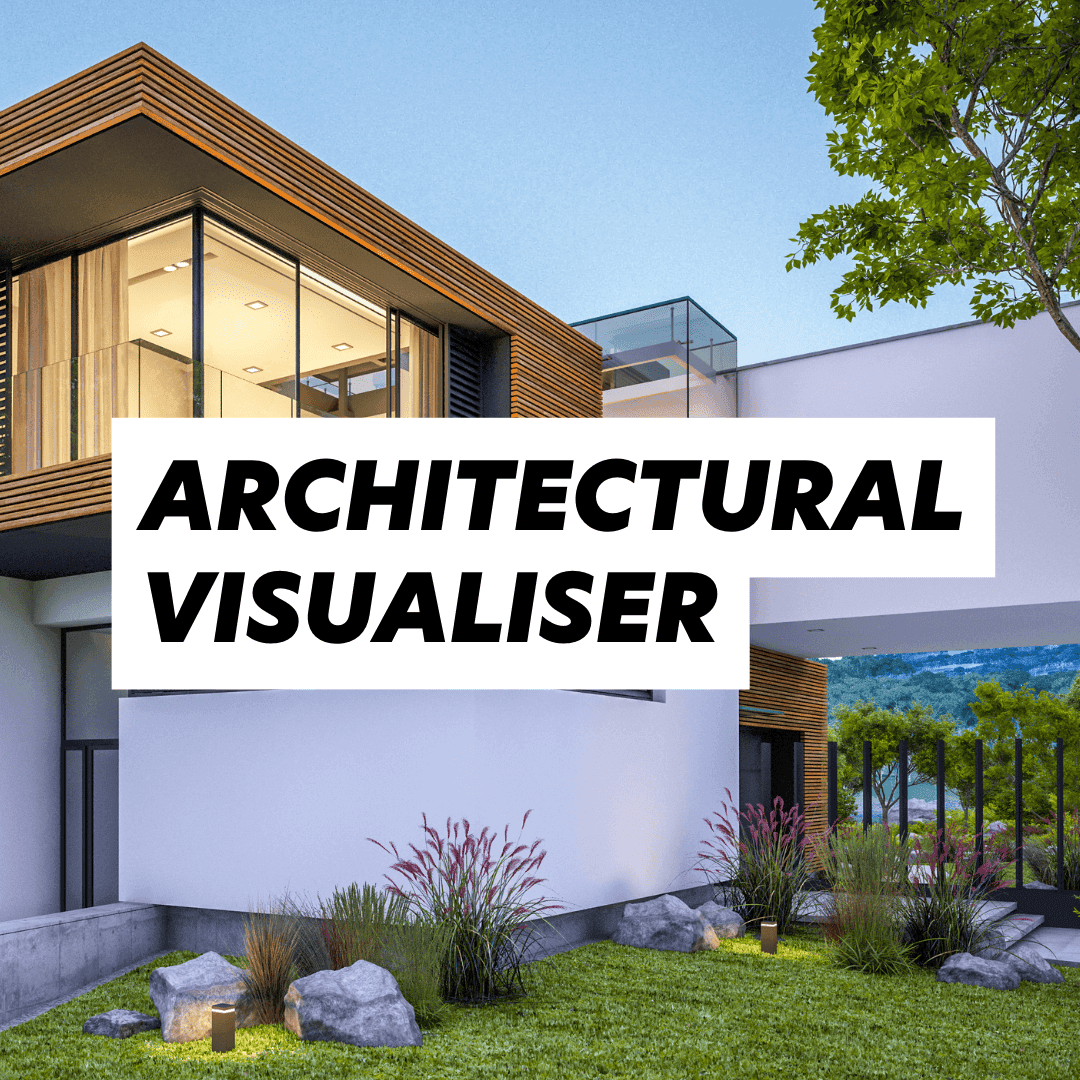
An Architectural Visualiser turns ideas into images that help clients, design teams and the public understand a project before it exists. The job can include still images, CGI, animation, walkthroughs, diagrams, VR, real-time rendering and visual storytelling for planning, marketing, competitions, client decisions and quick design tests for internal reviews.
If you are trying to move into visualisation, the strongest applications are not the ones with the longest software list. They show judgement: composition, atmosphere, scale, material understanding, deadline awareness and the ability to explain a design clearly.
The strongest visualisers do not only make attractive images. They understand what the image needs to prove. The output may be beautiful, but the commercial value is clarity: if the viewer understands the project faster, the visualisation is doing its job.
Watch and listen
Video
Watch: architecture technology and career change
This conversation with Allister Lewis is useful for visualisers because it connects BIM, AI, visualisation and new digital roles inside practice. It is a good reminder that visualisation is not only about the final image. It sits inside a wider digital workflow.
This YouTube video needs media cookies to play here.Enable videos and podcasts, or accept all optional cookies.
Your choice is remembered across the site. Change it any time.
Read or listen next: Revit, AI and digital design careers
For more context on how BIM, AI and new software roles are changing practice, open the Architecture Social podcast with Allister Lewis. It is a useful follow-on if you are positioning yourself for visualisation, BIM, computational design or architecture technology roles.
What an Architectural Visualiser actually does
In practice, the role sits between design, communication and production. You may work from drawings, BIM models, sketches, moodboards or a loose design direction. Your job is to create a visual that supports a decision.
A good visualisation helps a client, buyer, planner, investor or project team imagine a space clearly. That can mean exterior and interior CGI, concept visuals for mood or massing, animated walkthroughs, or image-led communication for competitions, pitches and public engagement.
Some people become specialist visualisers. Others use visualisation as part of a broader architecture, interior design, BIM or design communication role. Both routes can work.
- Model and refine scenes from architectural information.
- Set up lighting, cameras, materials and entourage.
- Create still renders, diagrams, fly-throughs or animated sequences.
- Work with architects, interior designers, BIM teams, marketing teams and clients.
- Balance quality with speed, because visualisation often happens around deadlines.
What to show in your portfolio
A good visualisation portfolio should be edited, not overloaded. Show enough range to prove you can handle different briefs, but keep the work easy to scan. Include final images, but also show a little process where it helps: wireframes, clay renders, lighting studies, model set-up or before-and-after post-production.
Practices want to know what you actually made. If a render was part of a team project, say what you owned: modelling, lighting, materials, camera setup, post-production, animation, coordination or client revisions. That context makes the work easier to trust.
Captions matter. A short line explaining the brief, audience and design decision can make the work feel more professional. Say whether the work was academic, professional or self-initiated.
Software skills that matter
Software matters, but it is not the whole story. 3ds Max, V-Ray, Corona, Enscape, Lumion, Twinmotion, Unreal, Rhino, SketchUp, Revit and Adobe Creative Cloud can all be relevant. The stronger question is whether you can use the right tool for the brief, budget and deadline.
- Visual judgement: framing, atmosphere, people, material texture, light and the story behind the image.
- Architecture literacy: understanding plans, sections, details, design intent and project stages.
- Commercial delivery: taking feedback well, hitting deadlines and producing work that supports the client’s decision.
- Digital confidence: being able to move between modelling, rendering, BIM, AI-assisted workflows and post-production without losing the design point.
How employers judge visualisation candidates
Employers often look for taste, speed, reliability and the ability to take direction. They also want evidence that you can collaborate with designers, not disappear into software and return with something disconnected from the brief. In interview, be ready to explain why you made visual choices: audience, atmosphere, design intent and constraints, not only render settings.
Common mistakes
- Only listing software instead of showing strong visual outcomes.
- Using images that look impressive but do not explain the project.
- Sending huge files with no clear order or role description.
- Forgetting to say what you personally made, especially on team projects.
- Over-polishing one image while leaving the rest of the portfolio thin.
- Using dramatic effects that distract from the design.
- Leaving people, scale and context as an afterthought.
Portfolio checklist before you apply
- Lead with 6 to 10 strong images, not every render you have ever made.
- Add one short line under each project explaining the brief, your role and the software used.
- Show at least one process example, such as a clay render, lighting test, material study or model screenshot.
- Keep file size sensible and make the PDF easy to open on a practice laptop.
- Match the portfolio to the role. A studio hiring for residential CGI needs different proof from a practice hiring for BIM-led visual communication.
What to do next
Build a tight sample portfolio, then link it from your CV. If your portfolio needs work, read the Architecture Social guide to improving your architecture portfolio. If you are applying for digital roles, the BIM portfolio guide is also worth reading.
When you are ready to move, browse architectural visualiser jobs, compare the Architectural Visualiser salary guide, set up architecture job alerts or contact Architecture Social for tailored advice.
Member discussion
Start the discussion
No member comments yet. Have a question about this guide or some advice to share?
Sign in to join the conversation. Please do not post CVs or private candidate details.